 Fournisseur professionnel d'étiquettes et de tableaux antivol


Présentation de la balise Bluetooth Tuya ZXTY02
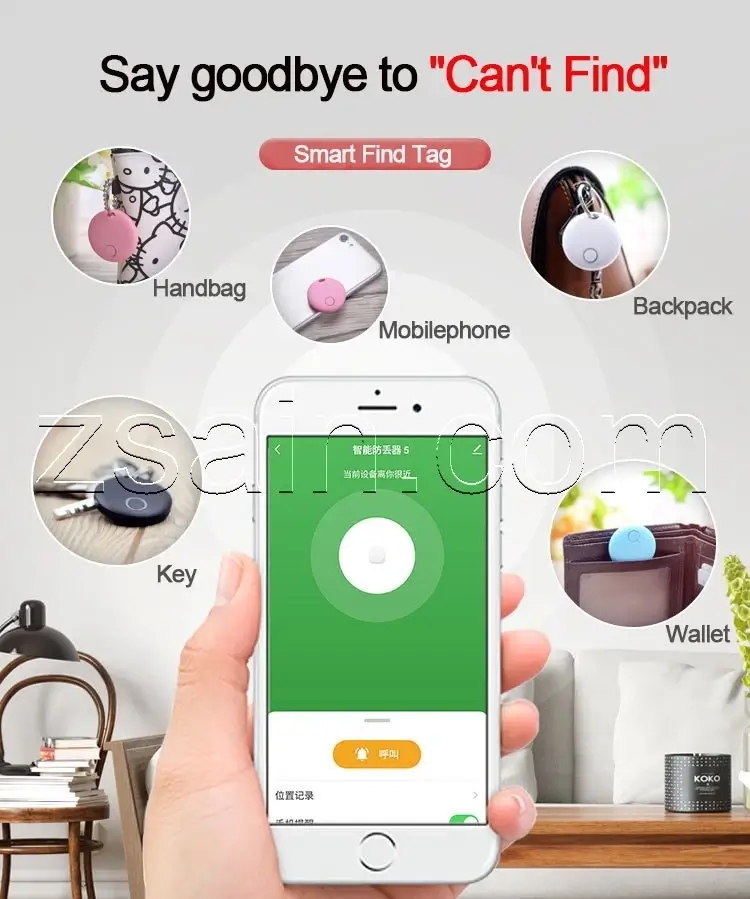
ZXTY02 Tuya Bluetooth Finder Tag est une étiquette intelligente Bluetooth antiperte basée sur la plateforme intelligente Tuya, qui est principalement utilisée dans la vie quotidienne pour retrouver de petits objets qui peuvent être facilement perdus, tels que des clés, des portefeuilles, des sacs à main, et même par les personnes âgées, les enfants et les animaux de compagnie pour éviter qu'ils ne perdent leur maison.
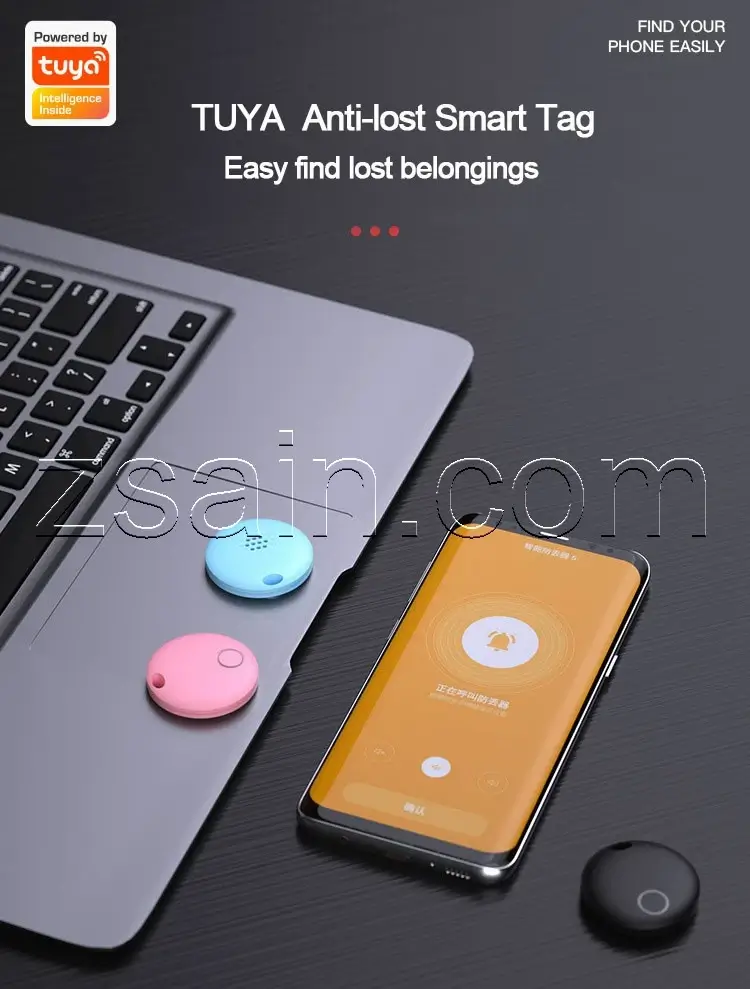
Étiquette intelligente antiperte
ZXTY02 Tuya Bluetooth Finder Tag dispose de 3 modes antiperte : recherche en un clic/ recherche bidirectionnelle/antiperte intelligente. En outre, il présente également les caractéristiques suivantes : enregistrement de la localisation, simplicité et facilité d'utilisation, et longue distance de travail.
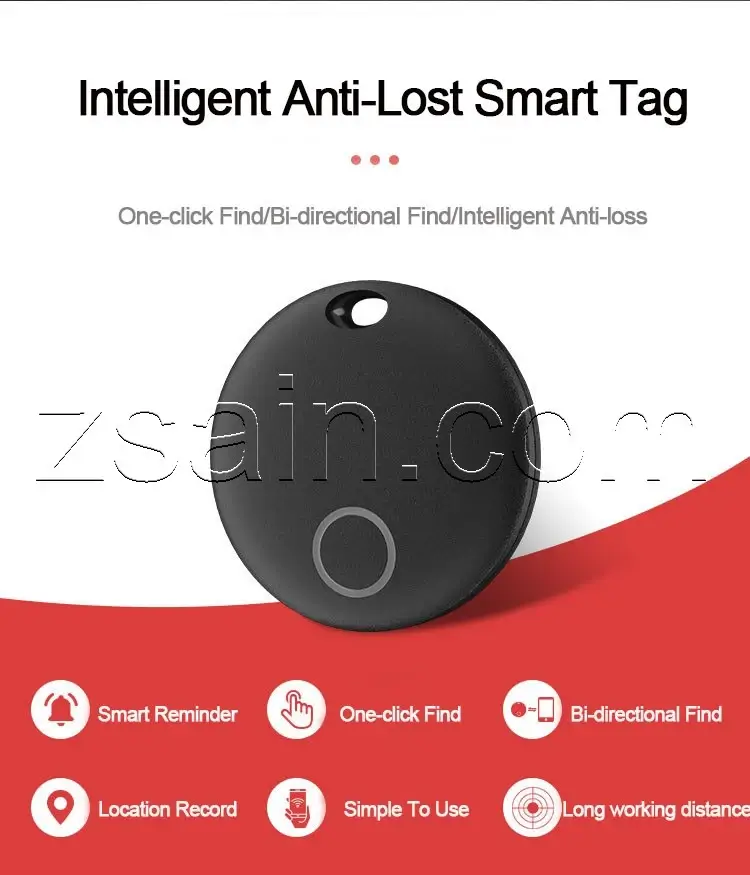
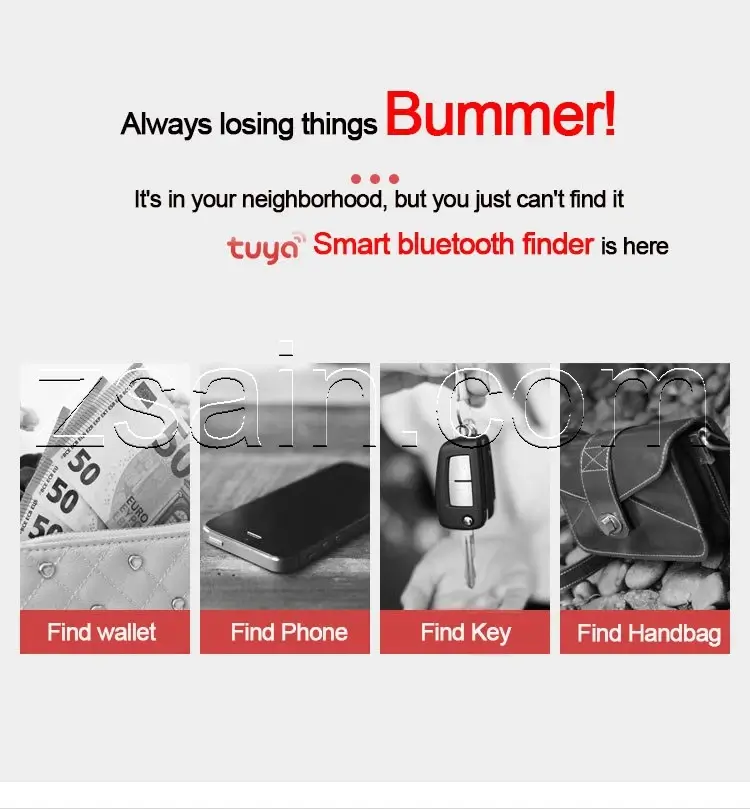
Anti-perte d'objets multiples
Les objets tels que les portefeuilles, les clés, les téléphones portables ou les sacs à main peuvent être difficiles à trouver si vous n'y prêtez pas attention. L'étiquette ZXTY02 Tuya Bluetooth Finder peut vous aider à retrouver facilement ces objets.
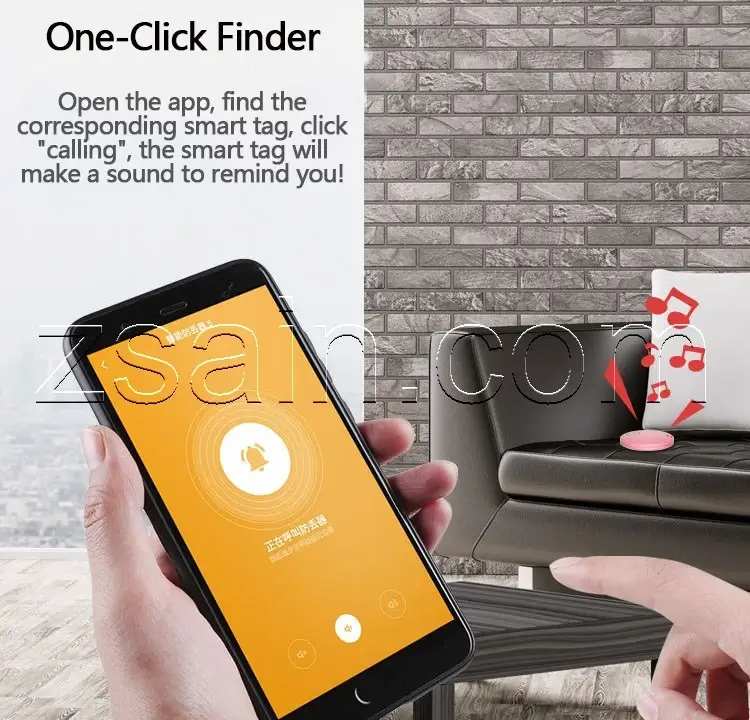
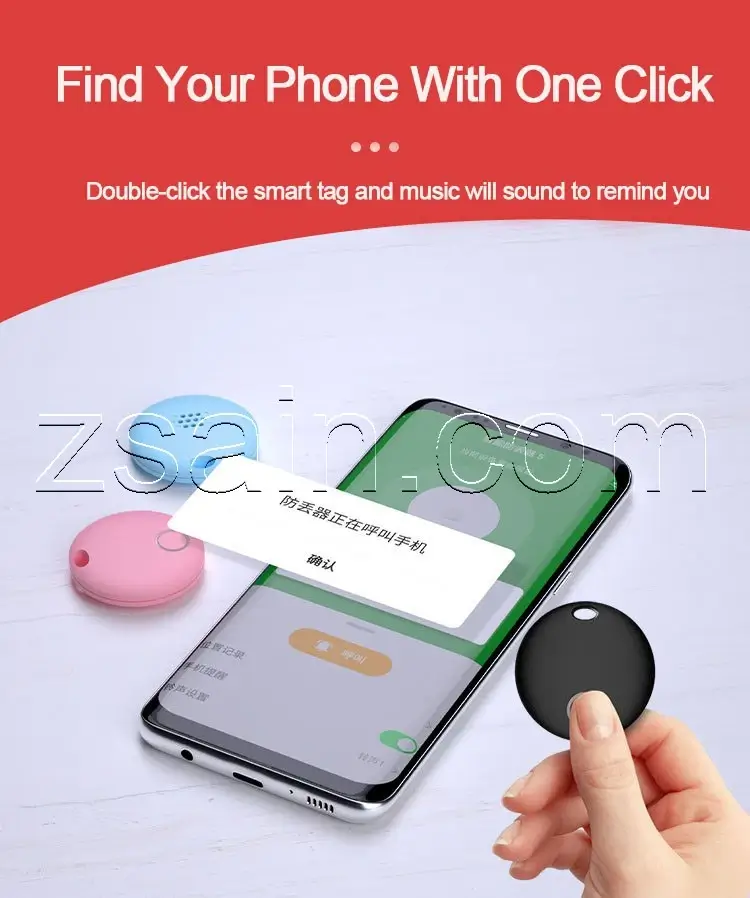
Recherche en un clic
Ouvrez l'application, trouvez l'étiquette intelligente correspondante, cliquez sur "appeler", l'étiquette intelligente émettra un son pour vous rappeler ! Est-ce facile à utiliser ?
Double-cliquez sur l'étiquette intelligente et une musique retentira pour vous le rappeler.
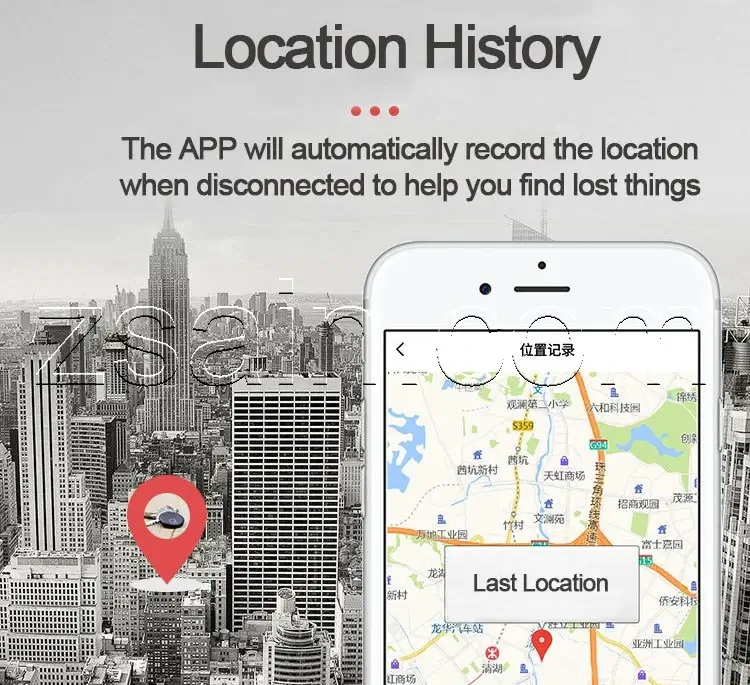
Historique des lieux
L'application Tuya Bluetooth Finder Tag APP enregistre automatiquement l'emplacement lorsqu'elle est déconnectée pour vous aider à retrouver les objets perdus.
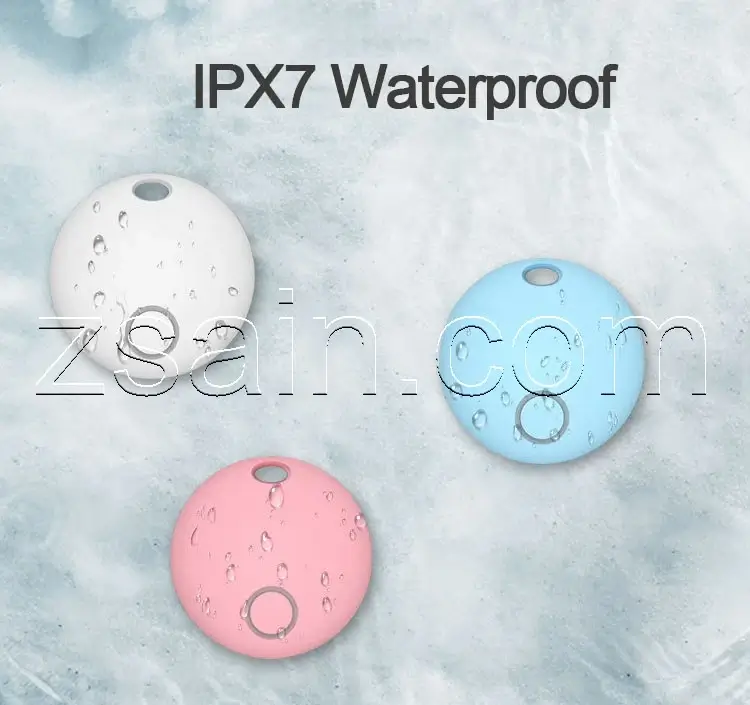
Étanchéité IPX7
Le ZXTY02 Tuya Bluetooth Finder Tag est étanche selon la norme IPX7, ce qui signifie que vous n'avez pas à vous inquiéter si le ZXTY02 est mouillé ou inondé.
Couleur au choix
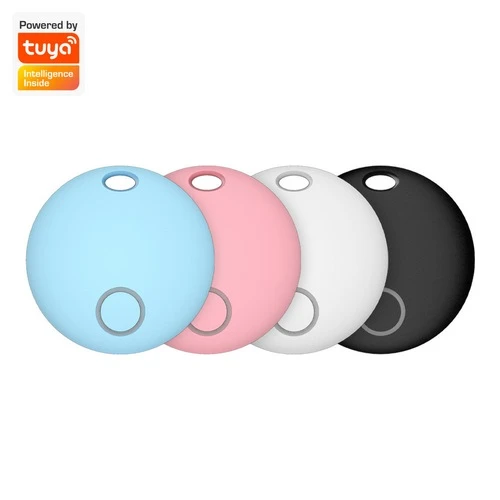
ZXTY02 Tuya Bluetooth Finder Tag est actuellement disponible en 4 couleurs : noir, blanc, rose et bleu. Si vous avez besoin d'autres couleurs, nous pouvons également les personnaliser.
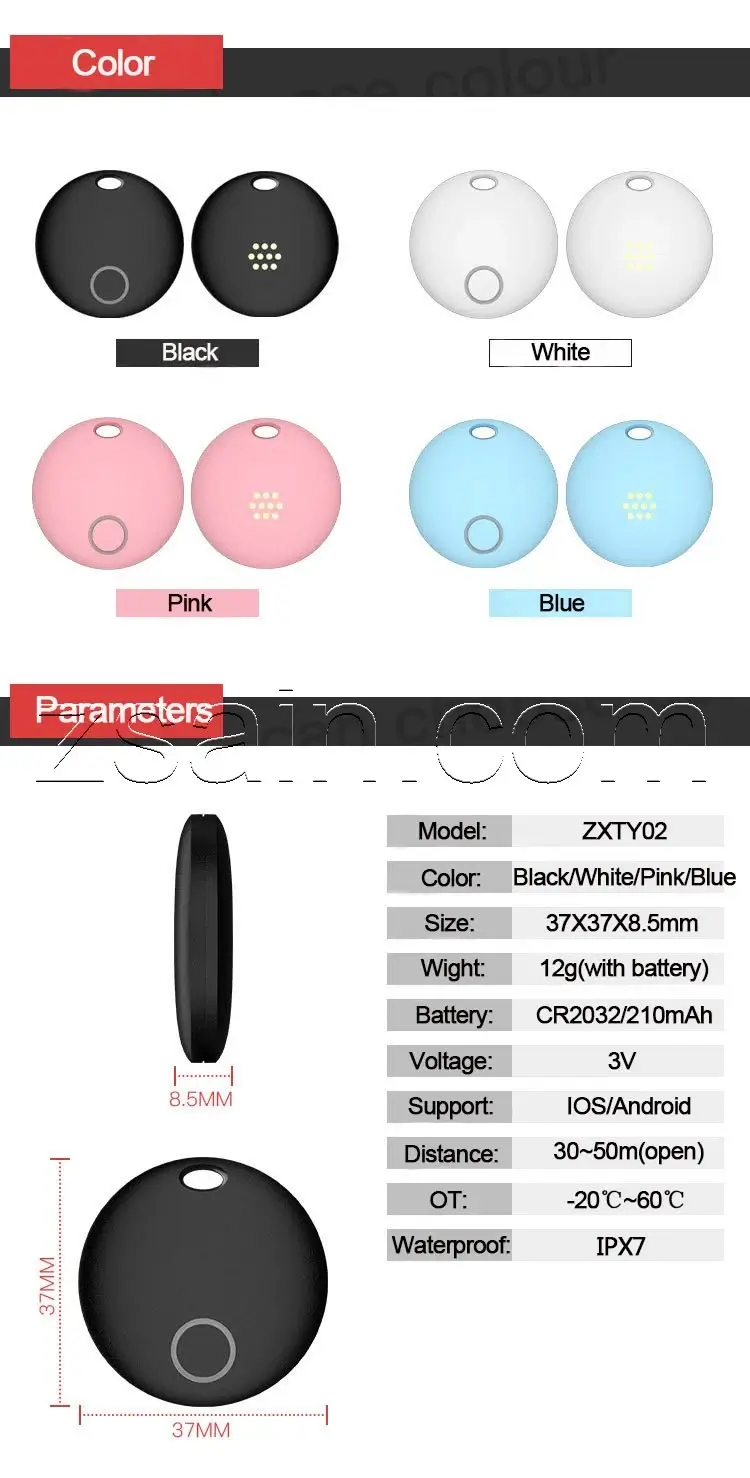
Paramètres de ZXTY02
Le ZXTY02 Tuya Bluetooth Finder Tag a une taille compacte de 37mmX37mmX8.5mm, et ne pèse que 37g avec la batterie intégrée. Il utilise une pile au lithium CR2032 de 210 mAh. Il est compatible avec les téléphones IOS/Android. Dans les zones ouvertes, la distance de transmission peut atteindre 30~50m, et la température de fonctionnement est de -20 ℃ ~ 60 ℃.
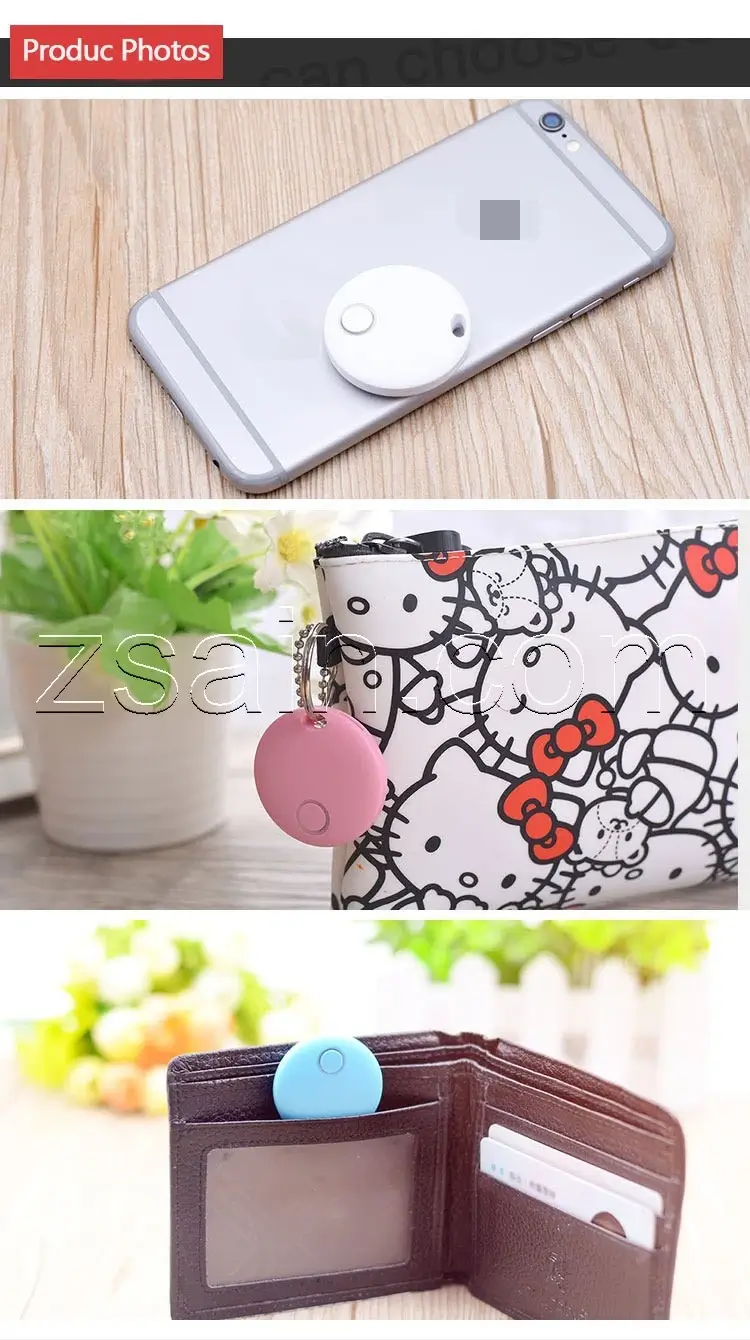
Prise de vue réelle de ZXTY02
Vous trouverez ci-dessous des photos réelles de ZXTY02. On peut voir que ZXTY02 est très petit par rapport aux autres éléments.
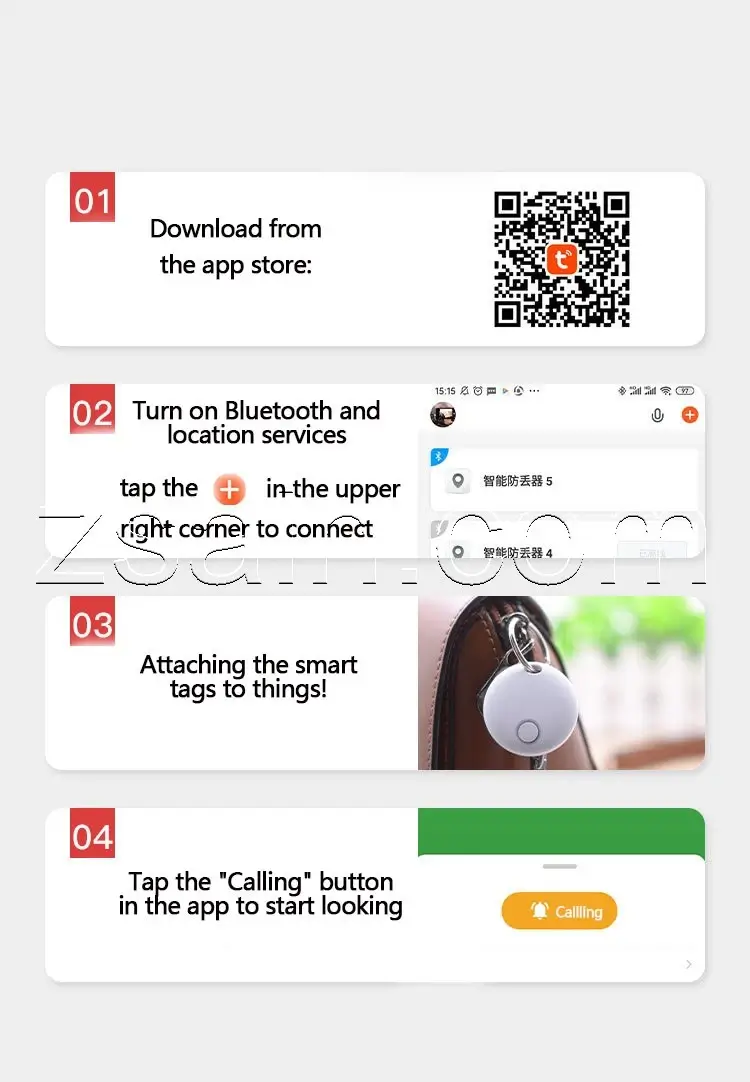
Processus d'utilisation
- 1. Téléchargez l'application ZXTY02 APP depuis l'app store ;
- 2. Activez Bluetooth et les services de localisation, appuyez sur le "+" dans le coin supérieur droit pour vous connecter ;
- 3. Fixer les étiquettes intelligentes aux objets ;
- 4. Appuyez sur le bouton "Appeler" dans l'application pour commencer à chercher.
ZXTY02 est un dispositif antiperte basé sur la plateforme intelligente Tuya. Il a la même fonction que ZXHB10 bluetooth finder basé sur le réseau Apple findmy. Il peut utiliser les appareils installés sur la plateforme intelligente Tuya dans le monde entier pour retrouver vos objets perdus. Mais contrairement à ces Apple find my network bluetooth finder, le ZXTY02 nécessite un téléphone portable pour télécharger l'application Tuya afin de contrôler le ZXTY02.
Cependant, la plateforme intelligente de Tuya est une plateforme de réseau tierce, et son nombre d'utilisateurs est inférieur à celui des appareils Apple, de sorte qu'elle ne peut pas être largement utilisée comme le font les utilisateurs d'Apple.Mais par rapport à la plateforme intelligente d'Apple, la plateforme intelligente de Tuya n'est pas une plateforme de réseau tierce. AirTagL'étiquette intelligente supportée par la plateforme Tuya est moins chère que l'airtag.